Hi. I’m Jax.
Senior Product Designer · Enterprise UX · Headless CMS · Brand & Creative Strategy · Bilingual EN/ES

Senior Product Designer · Enterprise UX · Headless CMS · Brand & Creative Strategy · Bilingual EN/ES
The Short Version
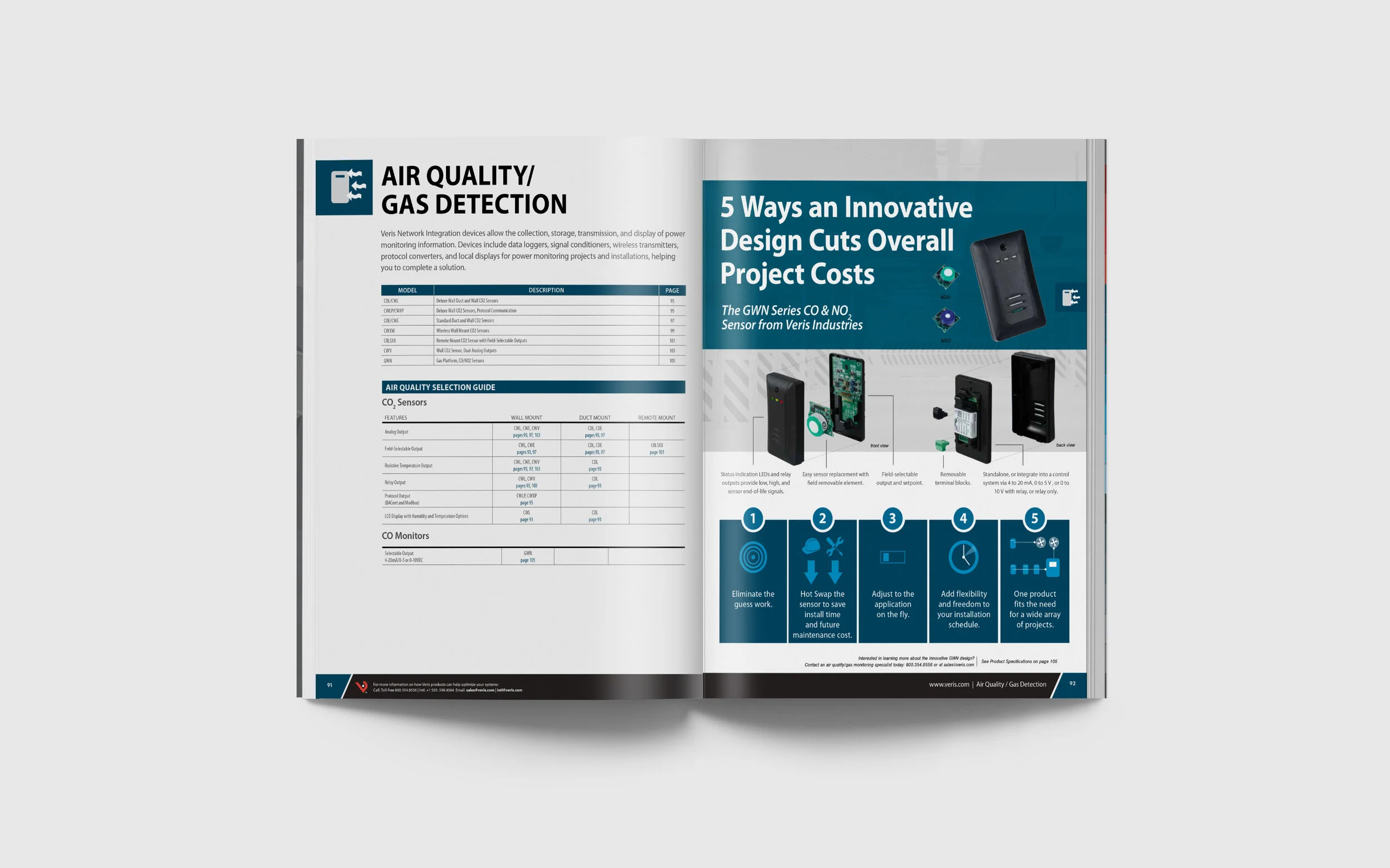
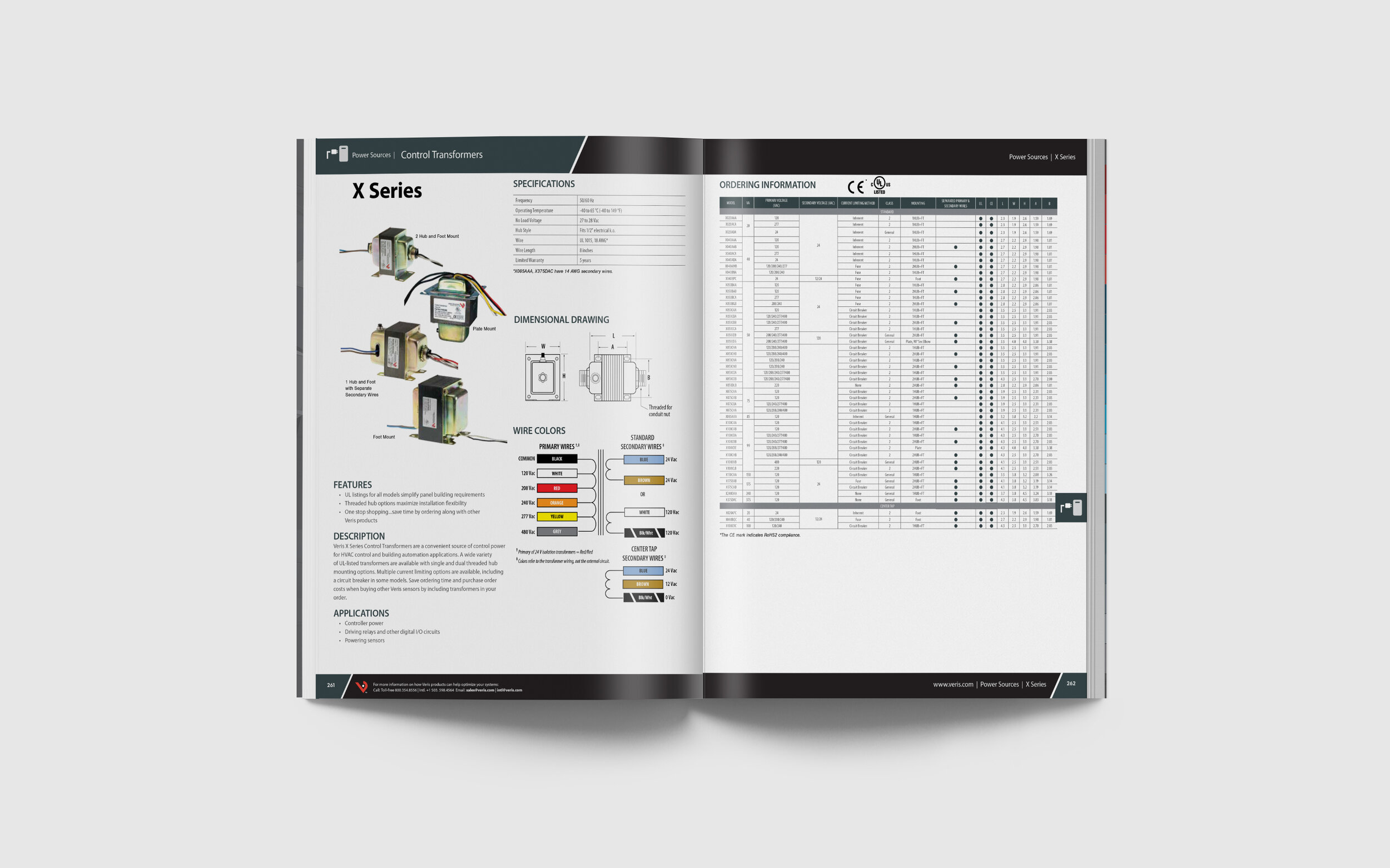
350 pages of product data, a broken InDesign file, and a jigsaw puzzle of specs, categories, and tables that needed to make sense across every spread. The real work wasn't the design. It was rebuilding the system underneath it.
What I Inherited
The previous designer's InDesign file was a mess. Every font change, color update, and spacing adjustment had to be made manually on every single page. There were no master styles, no templates, no global controls. Changing one thing meant changing everything one at a time.
What I Did
Before touching a single layout I rebuilt the file from the ground up using InDesign's native systems correctly. Paragraph styles, character styles, master pages, and templates for each section type. Changes that previously required manual edits across hundreds of pages could now be made once and applied globally.
From there the real challenge was the content itself. Products needed to stay on the same spread rather than breaking across pages in ways that made them hard to read. Tables had to stay intact. Specs varied wildly across product categories — some short, some long — and the hierarchy had to make sense regardless of how much or how little information a product had.
The marketing lead wanted the category structure kept consistent with previous versions while accommodating new and moved products. Every update became a puzzle — fitting new content into a system without breaking what was already working.
Why This Matters for Data-Heavy Work
A 350-page product catalog is a data problem. Hundreds of products, multiple spec types, inconsistent content lengths, and users who need to find one specific thing quickly. The decisions I made about hierarchy, consistency, and system structure are the same decisions I make when designing complex internal tools, enterprise platforms, and content management systems. The medium changes. The thinking stays the same.